For many homeowners, the dream of reimagining a space fades the moment they struggle to picture the final look. That’s where technology changes everything. The best AI interior design app transforms your imagination into stunning, lifelike visuals so realistic you can almost feel the light and texture. With just a few taps on your phone, these apps let you design, visualize, and plan your space without hiring a professional or breaking your budget.
Whether you’re updating your living room or redesigning your entire home, the best AI interior design app helps you experiment confidently. Using smart algorithms and realistic 3D rendering, these tools offer personalized design suggestions, color matching, and furniture placement ideas that make decorating easier and more inspiring than ever. Let’s explore the top-rated apps for Android and iPhone that are redefining how homeowners design their spaces in 2026.
What is the Role of AI in Interior Design
Artificial Intelligence in interior design uses advanced algorithms to analyze room layouts, suggest furniture, and generate photorealistic designs. The technology goes beyond templates; it studies your preferences, color choices, and style to create truly personalized designs.
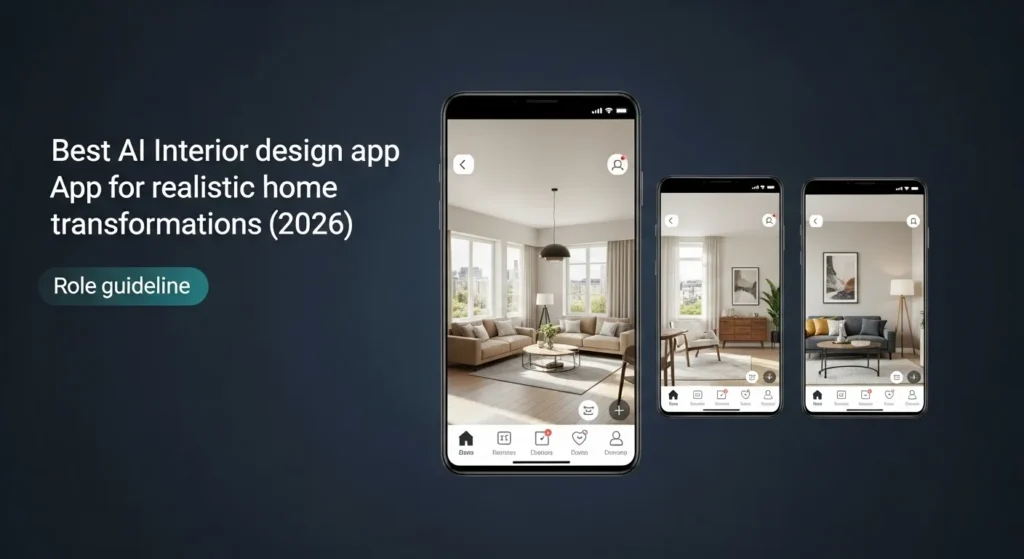
The power of these apps lies in machine learning and visual rendering. They can take a simple room photo and transform it into a fully decorated virtual environment, complete with lighting, textures, and perspective accuracy. This makes AI a perfect tool for anyone who wants to see their space before making any physical changes.
Why Realism Matters
When redesigning your home, visualization is everything and that’s exactly what the best AI interior design app delivers. Realistic previews allow you to:
- See how furniture truly fits your space before making a purchase.
- Understand how lighting impacts colors and materials throughout the day.
- Avoid costly design mistakes by testing layouts, textures, and tones virtually.
The most advanced AI home design tools don’t just generate simple sketches; they create lifelike 3D renderings that look almost photographic. This level of realism gives you the confidence to make smart design choices, blending creativity with precision. With the best AI interior design app, you’re not just imagining your dream space, you’re seeing it come to life before a single wall is painted.
Best AI Interior Design Apps Free for Android
Android users have access to an expanding range of AI design apps that are intuitive and produce realistic results. Here are the best ones available today.
🏆 Top AI Apps for Realistic Home Transformations
| App Name | Key Strength for Realism | Best For |
| REimagine Home | Excellent virtual staging and photorealistic transformation of existing room photos (interior/exterior, removing clutter, etc.). | Homeowners & Real Estate Agents who need convincing before-and-after visuals quickly. |
| Spacely AI | High-quality, photorealistic renders in seconds, and focuses on maintaining the original geometry of the room. | Interior Designers and Architects needing fast, high-impact conceptual visuals. |
| Planner 5D | Known for generating realistic 4K renders from detailed 2D/3D floor plans and its large catalog of furniture items. | Users who need to design the whole layout (floor plan) before rendering the final look. |
| Interior AI | Specializes in taking a photo (even low-res ones) and transforming it with realistic furniture and textures, maintaining construction details. | Homeowners seeking quick, style-based transformations from a simple photo upload. |
| ArchitectGPT | Strong focus on photorealistic architectural and interior previews from uploads like photos, renders, or even CAD files. | Professionals (Architects/Designers) and serious renovators looking for hyper-realistic results. |
1. Planner 5D: AI Home Design
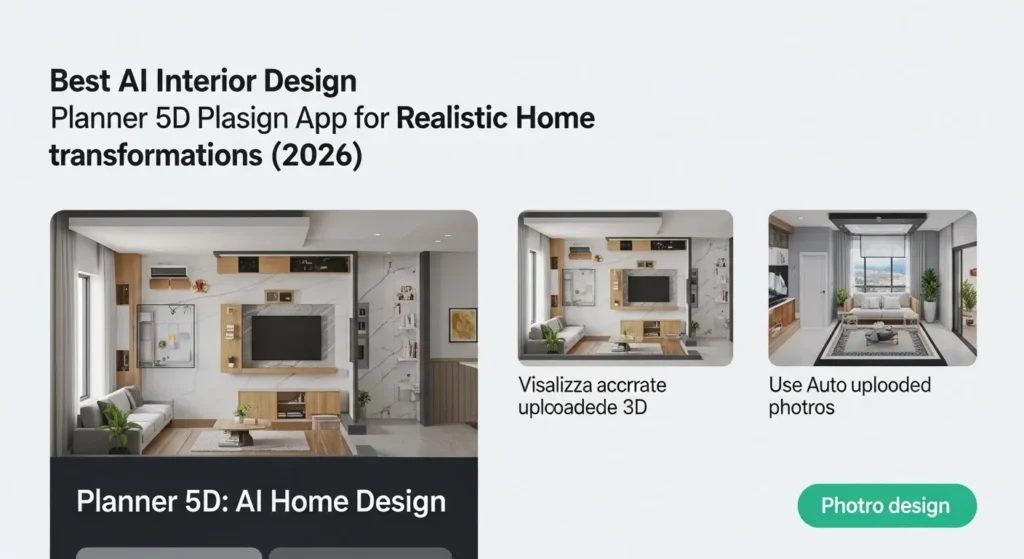
Planner 5D remains one of the most versatile tools for Android. It lets users create accurate floor plans, visualize spaces in 3D, and even use AI to auto-generate designs based on uploaded room photos. Its photorealistic renderings make planning effortless.
2. AInteriors
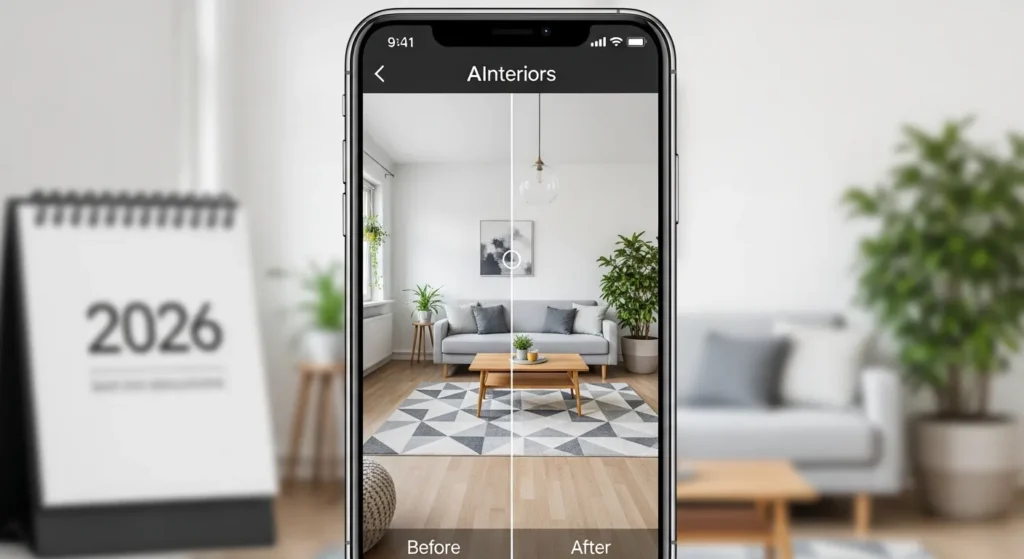
AInteriors focuses on fast and smart results. Upload a photo, select a preferred style, and within seconds, it generates a realistic visualization of your room. It’s ideal for users who want professional-quality images without complex design work.
3. Home Design 3D
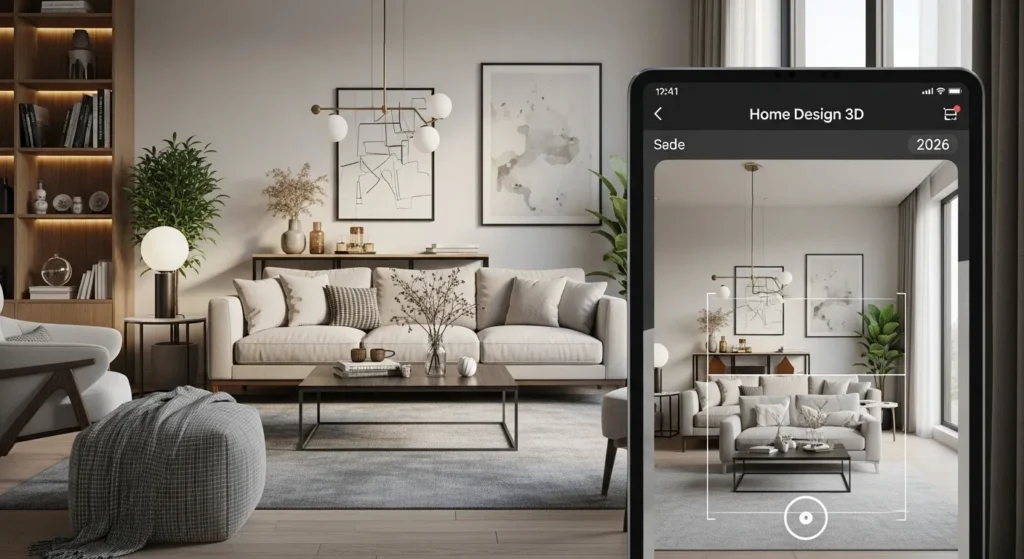
This app blends user control with AI intelligence. You can draw your layout, decorate it, and even explore it using augmented reality. The 3D mode brings spaces to life, showing accurate proportions and realistic textures.
4. Room Planner: Design Your Dream Home
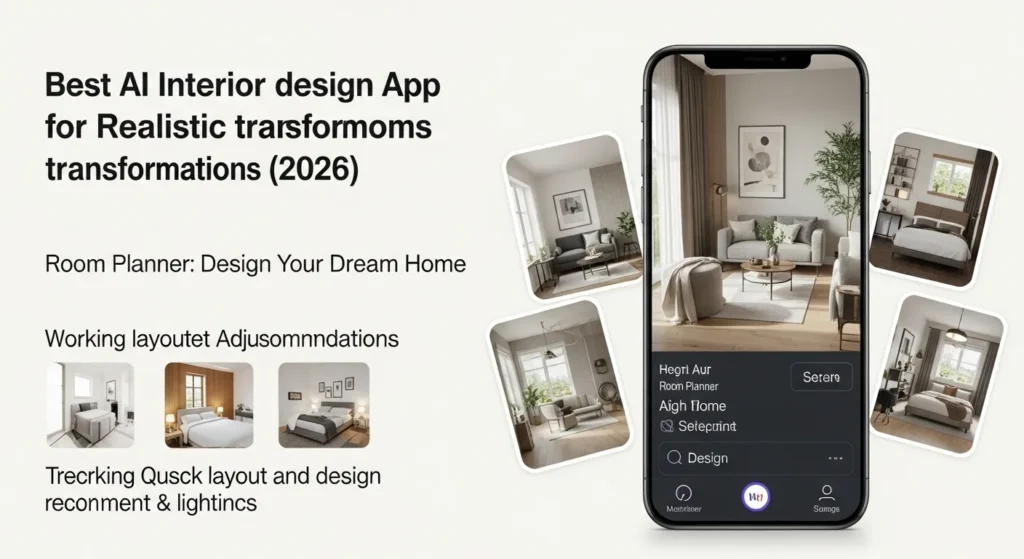
Room Planner offers quick layout adjustments and AI-based design recommendations. It’s especially useful for homeowners working on furniture placement and lighting balance. The app’s visual accuracy helps you see exactly how each change transforms your space.
5. Houzz
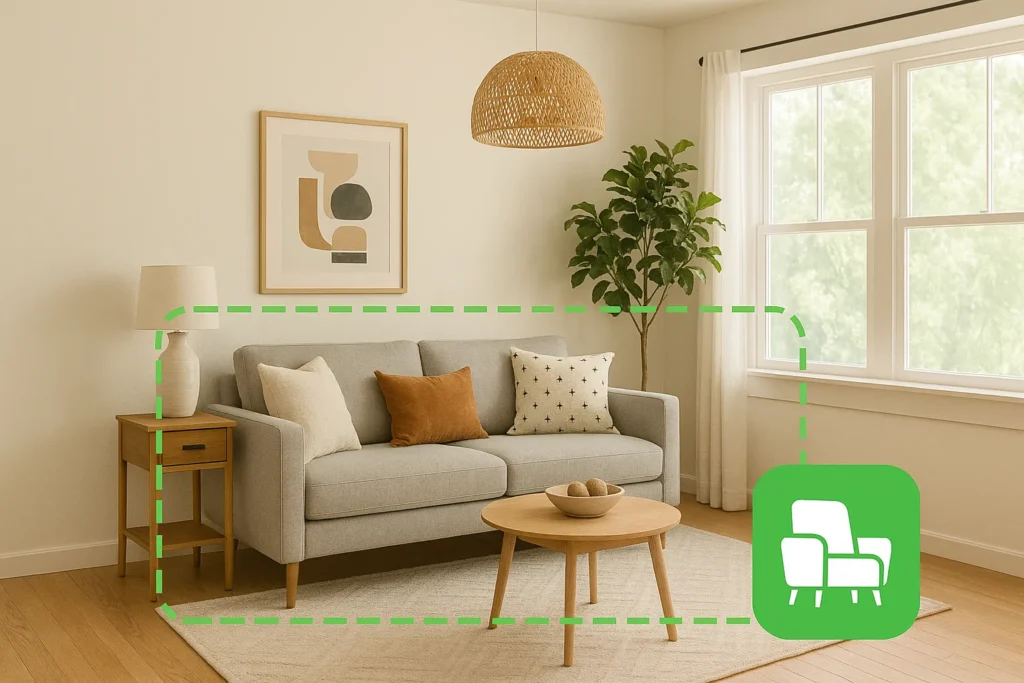
Houzz uses AI-powered inspiration tools that let you visualize products directly in your home. Its “View in My Room” feature overlays furniture and decor in real time, making it easy to test multiple looks before buying or rearranging anything.
Best Free AI Interior Design Apps for iPhone
Apple users also have access to several powerful AI design tools known for their visual precision and ease of use.
1. Interior AI
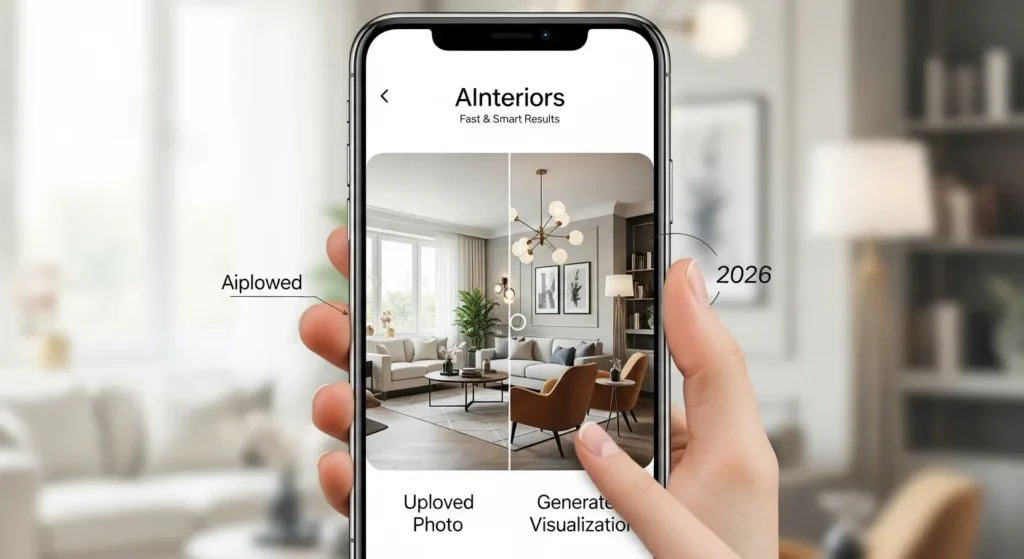
Interior AI sets the standard for realistic rendering on iOS. Upload a photo, choose your favorite style, and let the AI recreate your space with lifelike lighting and perfect proportions. Its results often look like high-end professional renderings.
2. Decoratly
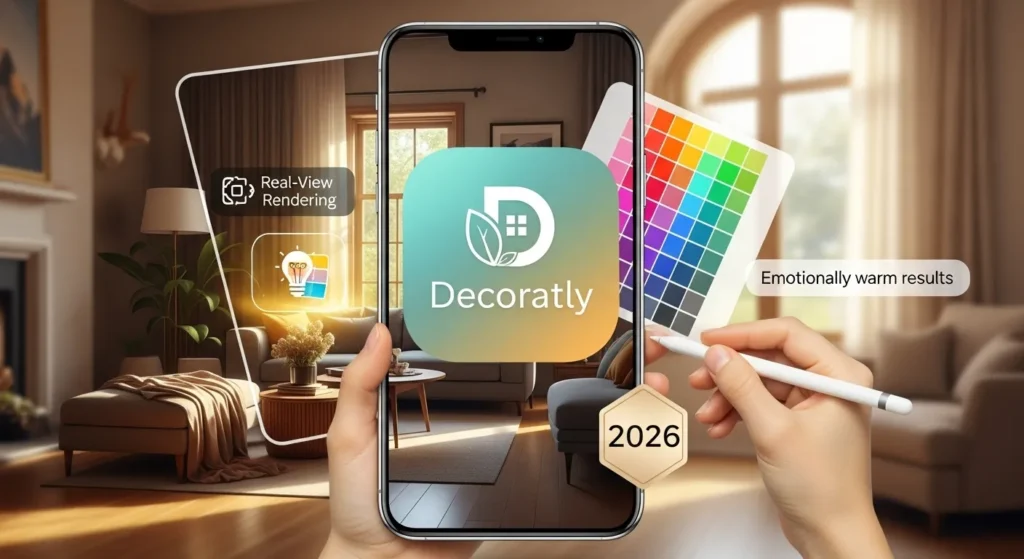
Decoratly’s Real-View Rendering system captures true-to-life depth, light, and shadow. It’s great for users exploring color harmony and texture detail. The AI engine adjusts designs intelligently, offering visual results that feel polished and emotionally warm.
3. Room Planner by Ikea

Room Planner integrates Ikea’s full product catalog with AI layout tools. You can drag, drop, and preview items within your real environment through augmented reality, bridging imagination with real-world shopping decisions seamlessly.
4. Homestyler
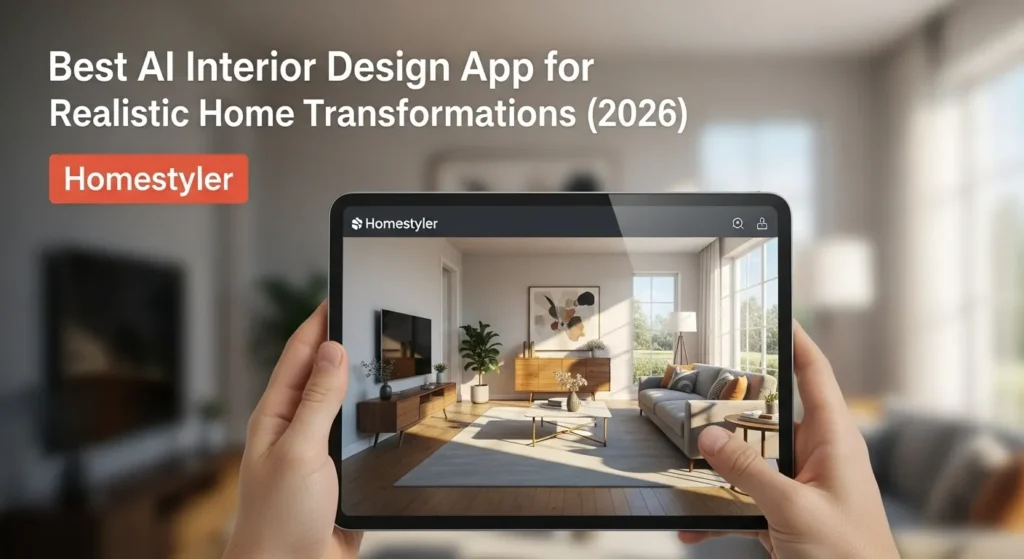
Homestyler uses advanced rendering and style detection to generate lifelike spaces. Its library of furniture, wall designs, and textures helps create realistic home interiors in minutes. The app’s realism is particularly striking under natural lighting simulations.
5. Morpholio Board
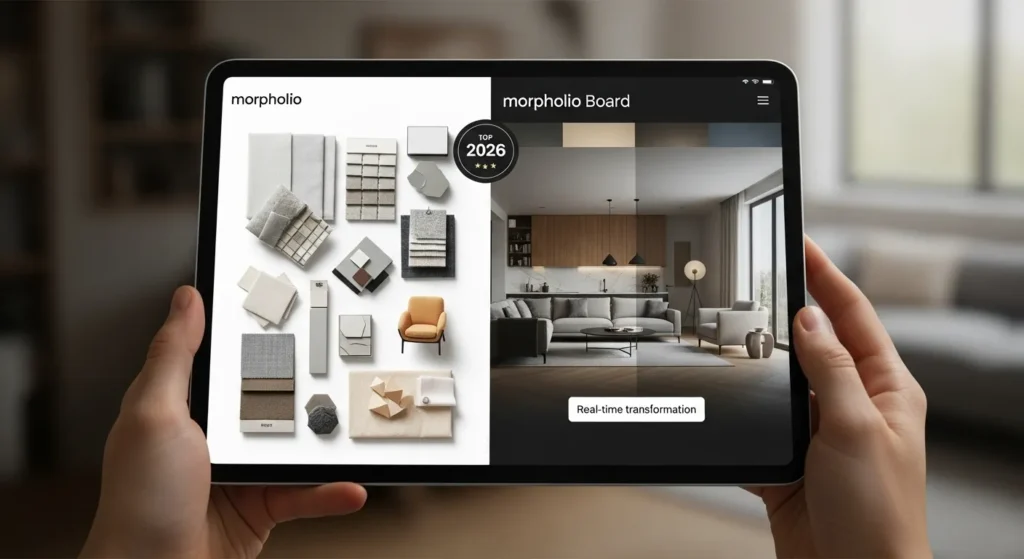
Morpholio Board combines AI with creative freedom. It’s not only a visualization app but also a design board for mood creation, allowing users to experiment with palettes, materials, and layouts in high-resolution previews that look ready for presentation.
How to Use AI Apps for Home Design
While every app has a different interface, the basic process of creating a stunning interior with AI follows a few universal steps.
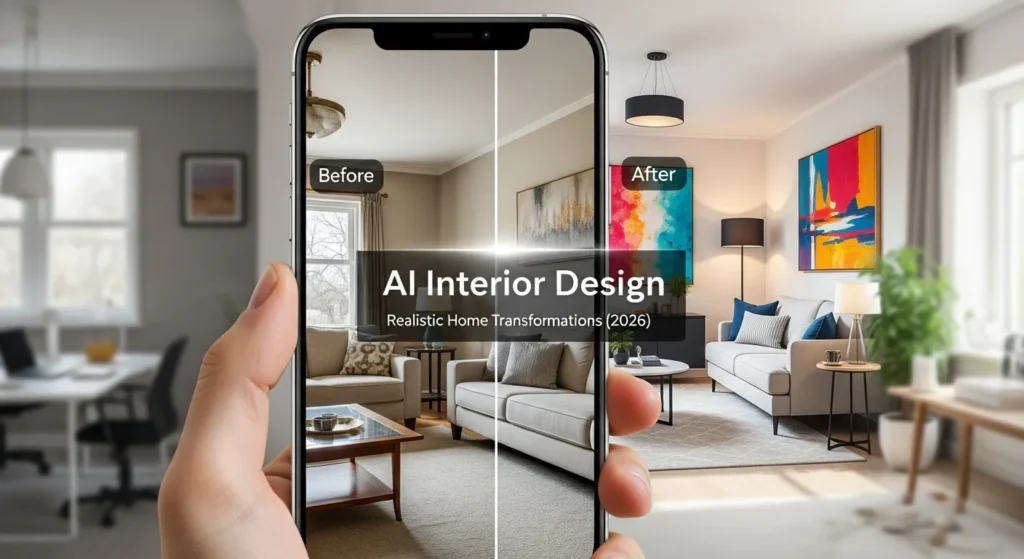
- Take a Clear Photo: Natural lighting works best. Capture your room from an angle that shows walls, windows, and floors clearly.
- Upload and Select Style: Choose from various design themes, modern, rustic, vintage, or coastal. AI interprets your choice to apply suitable furniture, colors, and textures.
- Adjust and Save: Once the app generates the preview, you can tweak details like wall colors or furniture placement. Save your favorite version for reference before starting your project.
These steps simplify what used to take hours of manual planning, giving you a clear vision within minutes.
How to Get the Most Realistic Results
For truly lifelike AI designs, small details make all the difference. Here’s what enhances the realism:
Lighting and Angles
When capturing your room, make sure it’s illuminated with natural daylight rather than artificial light. Balanced lighting allows the AI to recognize accurate tones, shadows, and highlights, helping it recreate depth and realism that perfectly match your room’s true atmosphere.
Consistent Style Selection
Stick to one interior design theme when using the app. Mixing multiple styles, like minimalist and bohemian, can confuse the AI rendering engine. Maintaining a consistent aesthetic ensures smoother results, allowing the design to appear cohesive, realistic, and visually believable across the entire room.
Texture Refinement
Choose AI tools that let you fine-tune textures such as fabric patterns, flooring, and wall finishes. Adjusting texture depth helps the algorithm understand light reflection and surface contrast, resulting in an image that feels genuinely lifelike, detailed, and incredibly close to a real-world design.
Comparing Platforms: Android vs iPhone
Both platforms offer excellent AI design tools, but they cater to slightly different needs.
- Android apps often provide greater flexibility, broader customization, and more generous free features, making them ideal for experimentation. They’re perfect for beginners or DIY enthusiasts who want to test multiple layouts, furniture options, and wall colors without committing to a paid plan. Many Android apps also integrate easily with third-party design tools, offering extra freedom to modify your designs outside the app.
- iPhone apps, on the other hand, emphasize precision and visual quality. Their rendering engines typically produce higher-resolution, photorealistic images with smoother lighting effects and sharper textures. These apps often feel more refined and polished, catering to homeowners, architects, and professionals who value lifelike accuracy and want visuals that look ready for a client presentation or mood board.
If you want professional-level photorealism, Interior AI and Decorately on iPhone stand out. For ease of use and accessible functionality, Planner 5D and AInteriors shine on Android.
Incorporating AI Designs Into Real Life
An AI-generated design can inspire real transformations when used strategically. Start by identifying elements that resonate most, color schemes, lighting styles, or furniture shapes.
Use these visualizations as your blueprint when shopping or discussing ideas with a contractor. Many users find that their AI renderings evolve into real projects more smoothly when they start small, focusing on one room before expanding.
Transform Your Space with Confidence
Technology has made interior design more accessible than ever. By using these AI-powered tools, you can explore styles, test ideas, and visualize transformations right from your phone. The best AI interior design app is the one that fits your goals, whether it’s experimenting with colors, rearranging furniture, or achieving lifelike visuals before a renovation.
AI doesn’t replace creativity; it amplifies it. With just a photo and a few taps, your dream home becomes more than an idea; it becomes something you can see, feel, and bring to life.
So, which room will you reimagine first? Share your design journey in the comments below. I’d love to see how technology inspires your creativity.
Frequently Asked Questions
What makes an AI interior design app realistic?
A realistic app uses detailed rendering engines and advanced lighting simulation to mimic how colors, textures, and shadows interact in real environments.
Can I use these apps for professional projects?
Yes. Many designers use AI tools as presentation aids to show clients quick, high-quality visual concepts before final designs are approved.
Are these apps free to use?
Most are free with optional premium upgrades for higher-resolution renders, style packs, or AR capabilities.
Do AI designs work for small spaces?
Absolutely. In fact, AI apps are excellent for small rooms; they help optimize layout and storage, ensuring functionality without sacrificing beauty.